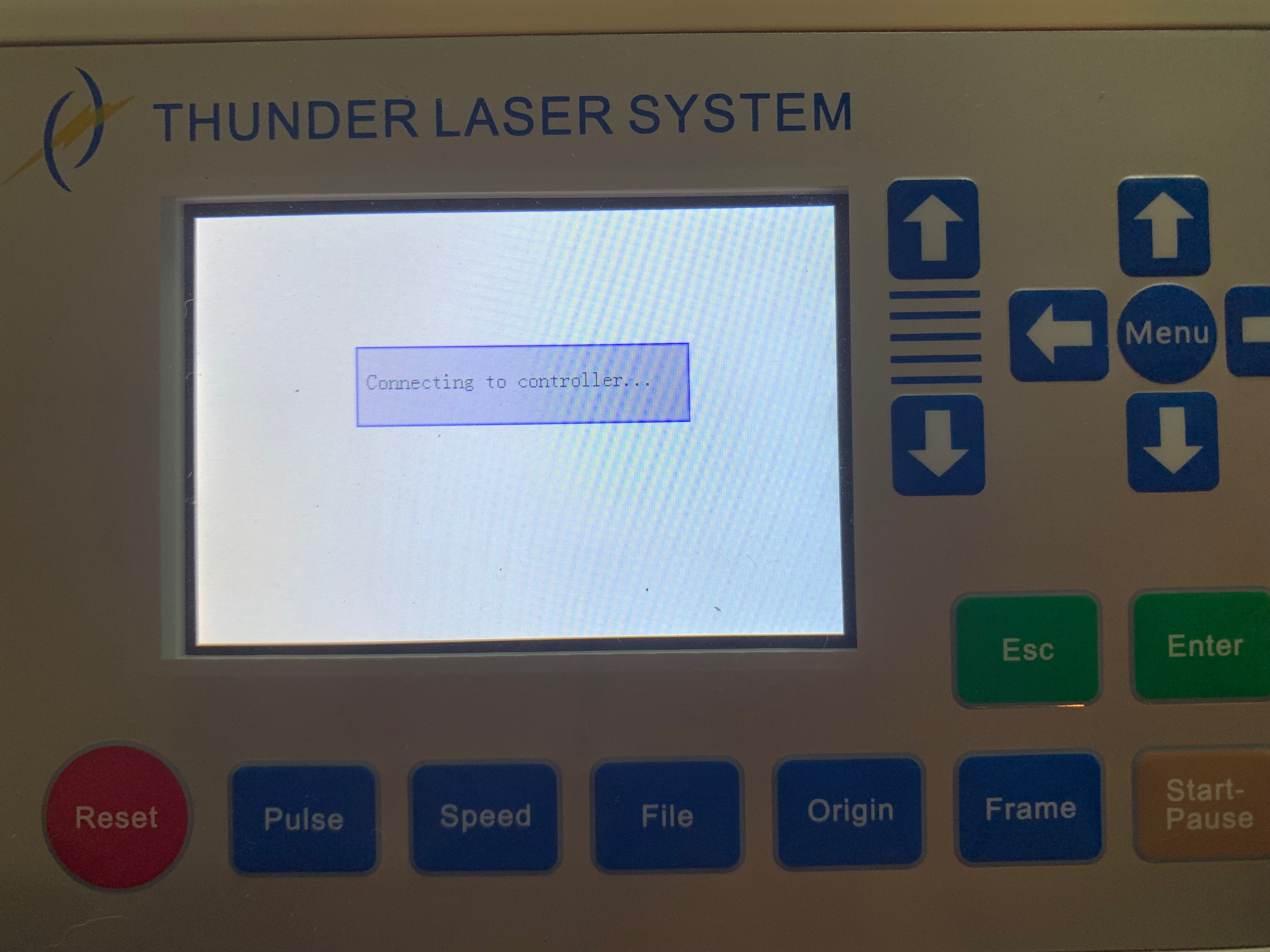
LCD panel keeps showing"Connecting to controller"
Problem description:
The LCD panel keeps showing "Connecting the controller" even if reboot the machine.
Reasons:
1. Controller board is faulty
The controller board is faulty.
Solution:
Turning the machine on, open the right side door and see if the light 14 is on/flashing.
If not, the controller board is faulty.
If yes, go next step.
2. LCD panel is faulty
The LCD panel is faulty.
Solution:
Unplug the connector of LCD panel.
See if the laser head will go to top left corner, and then go to the last origin you set.
If yes, the LCD panel is faulty. Please contact us:tech@thunderlaser.com.
If not, go back to last step, check the controller board.
End.